
Manage Microsoft 365 Defender (XDR) via PowerShell
With a focus on Microsoft Defender Vulnerability Management
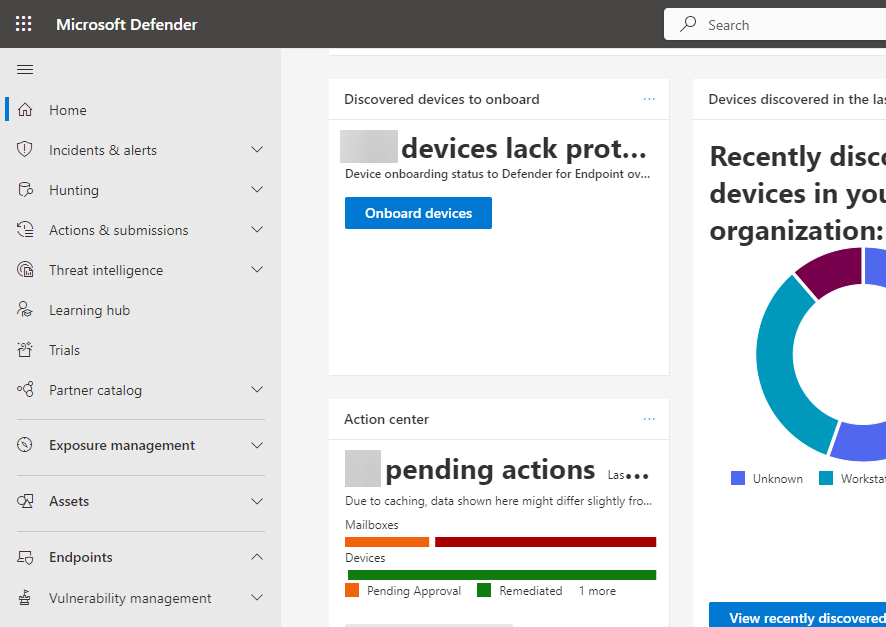
In case you are using Microsoft Defender you are familiar with the security.microsoft.com portal. You also probably know that Microsoft also offers API for this security solution.
Today I will show you some of my PowerShell commands (M365DefenderStuff module) with a focus on the 'Microsoft Defender Vulnerability Management' part.
The main benefit of using my module instead of direct API calls is built-in support for pagination, throttling, time-outs, and other nasty things 😎.
Prerequisites
In general license for using Microsoft Defender solution
Special license for using 'Microsoft Defender Vulnerability Management' in case you want to see found vulnerabilities on your clients
Before we begin
Install M365DefenderStuff module
To be able to use my PowerShell commands, you must first install the M365DefenderStuff module from the PowerShell Gallery.
Install-Module M365DefenderStuff
Get-Command -module M365DefenderStuffControl your M365 Defender via PowerShell
Get-Help <functionname> -Full).Authenticate
Import-Module Az.Accounts

Connect-AzAccount
Get all/selected machine
# get all machines
Get-M365DefenderMachine

# get just specific machine
Get-M365DefenderMachine -machineId 'fff5e5e26cb0848d66bbb0bc83de6bceb4a1b2e1'
Get the machine owner (the user who logs in)
Get-M365DefenderMachineUser -machineId 'fff5e5e26cb0848d66bbb0bc83de6bceb4a1b2e1'
Get detected software
# get all detected applications
Get-M365DefenderSoftware

# get just specific application
Get-M365DefenderSoftware -softwareId 'adobe-_-creative_cloud'
Get detected vulnerabilities
# get all found vulnerabilities (can take several minutes to complete!)
Get-M365DefenderVulnerability

# get details of specific vulnerability
Get-M365DefenderVulnerability -vulnerabilityId 'CVE-2022-47926'
Generate vulnerability report
# get just software vulnerabilities of CTRITICAL type and group them by machine
Get-M365DefenderVulnerabilityReport -groupBy machine -skipOSVuln -severity Critical
Invoke KQL query
Invoke-M365DefenderAdvancedQuery -query "DeviceInfo | join kind = fullouter DeviceTvmSoftwareEvidenceBeta on DeviceId"
Get software evidence
# get all (100 000 at most) applications evidences
Invoke-M365DefenderSoftwareEvidenceQuery

# get all (100 000 at most) applications evidences related to JRE software
Invoke-M365DefenderSoftwareEvidenceQuery -appName JRE
Get defender recommendations
# get all security recommendations
Get-M365DefenderRecommendation

# get security recommendations just for Putty software.
Get-M365DefenderRecommendation -productName 'putty'

# get all security recommendations for given machine.
Get-M365DefenderRecommendation -machineId '43a802402664e76a021c8dda2e2aa7db6a09a5f1'
Get all vulnerabilities per machine and software
# retrieves a list of all the vulnerabilities affecting the organization per machine and software.
Get-M365DefenderMachineVulnerability
That is all for now, but more functions will be added in the future to the M365DefenderStuff module don't worry 😉
About the author
I work as System Administrator for more than 15 years now and I love to make my life easier by automating work & personal stuff via PowerShell (even silly things like food recipes list generation).
Comments
Join the discussionNo comments yet. Be the first to comment.


